.monlabs
  • About us
  • Ai SEO and Content
  • Contact us
  • Login
Search
Menu
.monlabs

Documentation

Home » Archive by Category "Documentation" (Page 2)
29 Aug
Documentation, Smart Speak & Write
Posted by author-avatar monster
0 comments

Course & Lesson Materials

The course & Lesson materials feature allows instructors to attach various types of files to the courses and lessons. Course Materials Course files can be uploaded from the backend panel, as well as by using the frontend course builder, which is especially...
Continue reading
27 Aug
Documentation, Smart Speak & Write
Posted by author-avatar monster
0 comments

Manage Students by Admin

You can manage students’ activities and students in the convenient admin panel. To open it go to Courses, select the course you need. Opposite to the course name you can find Manage Students button. Click on it. Thus you will open the page where you...
Continue reading
26 Aug
Documentation, Smart Speak & Write
Posted by author-avatar monster
0 comments

Course Bundle

One course bundle includes multiple courses that can be sold at one price as a package. One course bundle includes multiple courses that can be sold at one price as a package. How to Create a Bundle?
Continue reading
25 Aug
Documentation, Smart Speak & Write
Posted by author-avatar monster
0 comments

Trial courses

Trial Courses addon lets your potential learners try out your online courses for free. You can give trial access to specific lessons within your courses and attract more learners. Allow your students to try some of the lessons for free with the Trial Courses feature.
Continue reading
24 Aug
Documentation, Smart Speak & Write
Posted by author-avatar monster
0 comments

The Gradebook

There are no addon settings. Right after the addon activation, instructors can get access to the Gradebook from their dashboard: On this page, all the courses in your LMS will be displayed. Select the course you need to load statistics.
Continue reading
26 Apr
Documentation
Posted by author-avatar monster

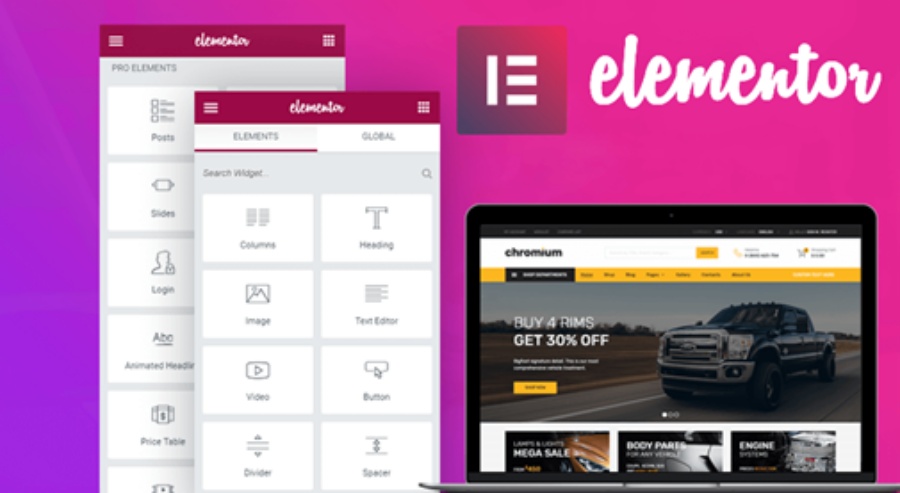
Hướng Dẫn Sử Dụng Tính Năng Editor Của Elementor

Tính năng Editor của Elementor giúp bạn tạo và chỉnh sửa trang một cách dễ dàng. Dưới đây là hướng dẫn sử dụng các tính năng Editor.

Continue reading
25 Apr
Documentation
Posted by author-avatar monster

Tài liệu hướng dẫn Savietnews

Phần mở đầu Chúng tôi – đội ngũ phát triển Monster – chân thành cảm ơn quý khách hàng đã tin tưởng lựa chọn giải pháp website của chúng tôi.Website Nam Úc News không chỉ là một cổng tin tức, mà còn là cầu nối gắn kết cộng đồng người...
Continue reading
  • 1
  • 2
.monlabs
  • Privacy Policy
  • Term & Conditions
  • Latest News
  • Contact us
  • Documentation

MONLABS 2024 CREATED BY MONSTERDESIGN.

  • About us
  • Ai SEO and Content
  • Contact us
  • Login
Start typing to see products you are looking for.